



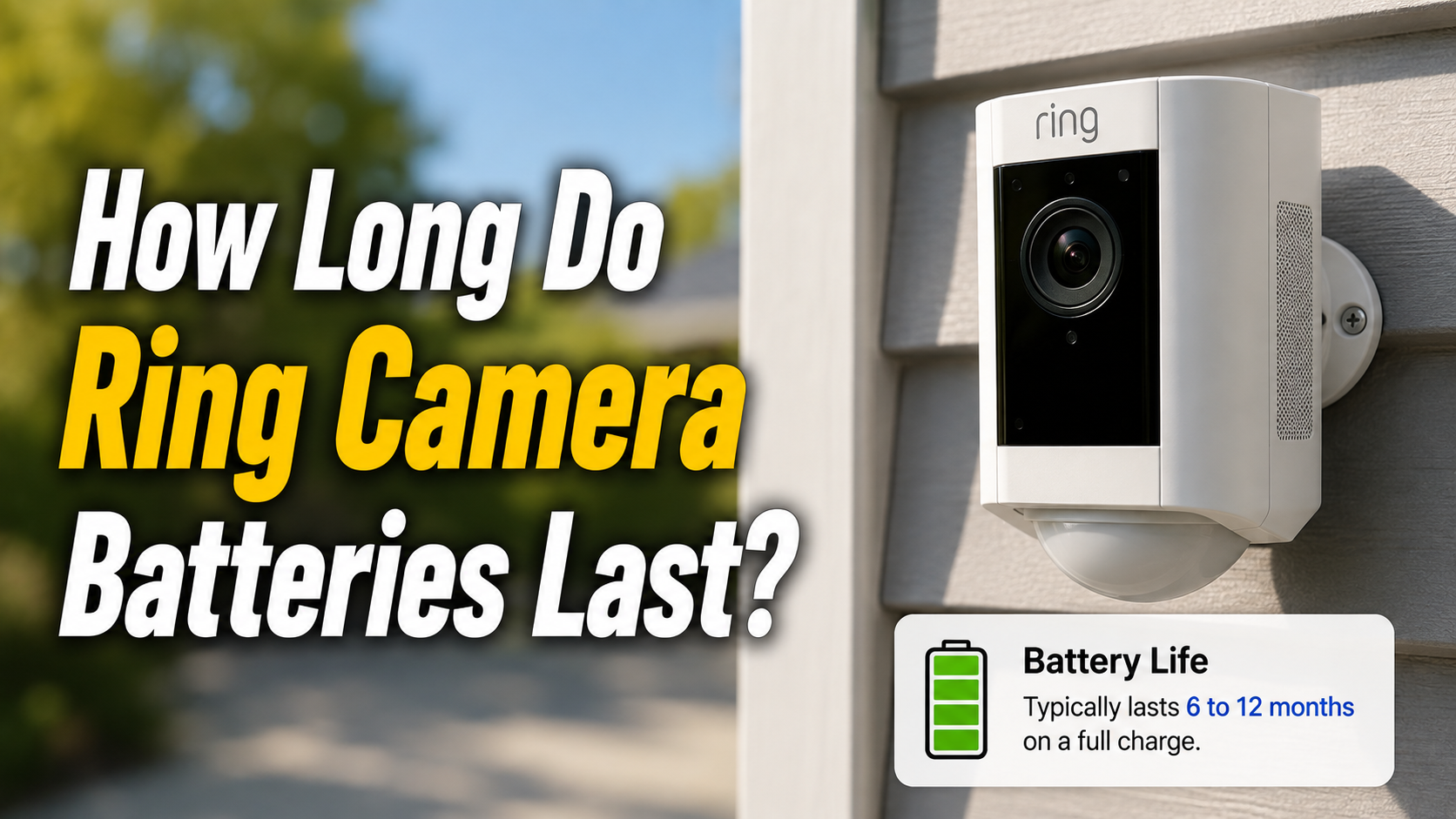
Ring camera batteries typically last between three and twelve months on a single charge, depending on the model, how the camera is used, and how often it detects motion. Cameras with heavy motion alerts, frequent Live View checks, or two-way talk usage tend to drain faster, often within one to three months.
- Average Ring Battery Life by Usage Type
- Light Usage (Low Motion Activity)
- Moderate Usage (Everyday Home Use)
- Heavy Usage (High Motion + Live View)
- Battery Life by Ring Camera Model
- Ring Video Doorbell / Doorbell 2
- Ring Stick Up Cam
- Ring Spotlight Cam
- Ring Floodlight Cam
- Factors That Drain Ring Batteries Faster
- How to Extend Ring Battery Life?
- Comparison Table — Battery Life at a Glance
- How Often Should You Charge the Battery?
- How Long Does the Battery Itself Last (Lifespan)?
- FAQs
- Conclusion
- Related Articles
On the other hand, cameras placed in low-traffic areas with balanced settings can comfortably last close to a year before needing a recharge. The rechargeable lithium-ion battery pack itself, separate from a single charge cycle, usually holds up well for three to five years before it starts losing capacity.
Weather, Wi-Fi strength, and app settings all play a direct role in how long the battery stays powered. Understanding these factors helps you plan charging schedules and avoid unexpected camera downtime.
Average Ring Battery Life by Usage Type
How long your Ring battery lasts depends heavily on how the camera is being used day to day. Below, we look at light, moderate, and heavy usage patterns and what kind of battery life each one typically brings.
Light Usage (Low Motion Activity)
When a Ring camera is placed somewhere with minimal foot traffic, such as a backyard corner or a rarely used side entrance, the battery can last close to ten to twelve months on a single charge. Motion alerts stay low, and Live View is rarely opened, so the camera spends most of its time in a low-power standby mode. This is the ideal scenario for anyone wanting to avoid frequent recharging.
Moderate Usage (Everyday Home Use)
Most households fall into this category, where the camera captures a reasonable number of daily motion events, such as visitors, deliveries, or pets moving around the yard. In this setup, battery life usually ranges from four to six months. This is considered the realistic average that most Ring owners experience under normal home conditions.
Heavy Usage (High Motion + Live View)
Cameras placed near busy streets, driveways, or entry points often deal with constant motion triggers, along with regular Live View checks and two-way talk conversations. This level of activity can drain the battery in as little as one to two months. Business owners or those in high-traffic neighborhoods usually fall into this bracket.

Battery Life by Ring Camera Model
Different Ring camera models are built with different battery capacities, which means battery life varies noticeably from one device to another. Here is how the most popular models typically perform.
Ring Video Doorbell / Doorbell 2
The standard Ring Video Doorbell and Doorbell 2 usually last between six and twelve months per charge under regular use. Since doorbells face constant foot traffic near entryways, they tend to record more motion events than other camera types, which can shorten this window depending on the household.
Ring Stick Up Cam
The Stick Up Cam Battery is known for consistent performance, generally lasting around six months before needing a recharge. Its compact battery pack is designed for both indoor and outdoor placement, and it pops out easily for quick charging without removing the entire unit.
Ring Spotlight Cam
Because the Spotlight Cam powers both the camera and an integrated spotlight, its battery drains a bit faster than standard models, typically lasting six to twelve months. Many users add a second battery pack so the camera can automatically switch over once the first one runs low.
Ring Floodlight Cam
The Floodlight Cam is built for outdoor durability and typically lasts up to six months per charge. Since it combines bright floodlights with continuous outdoor monitoring, it tends to use more power than smaller indoor-friendly models.
Factors That Drain Ring Batteries Faster
Several everyday factors can quietly shorten your Ring camera’s battery life without you realizing it. Knowing what causes faster drainage makes it easier to adjust your settings accordingly.
Motion Alert Frequency
Every time the camera detects movement, it wakes up, records footage, and sends a notification, all of which use noticeable power. A camera receiving over fifty motion alerts a day will drain far quicker than one receiving just a handful, sometimes cutting battery life down to a matter of weeks.
Live View & Two-Way Talk Usage
Opening Live View or using two-way talk keeps the camera actively streaming, which consumes significantly more energy than passive recording. Frequent daily use of these features, especially for long durations, can noticeably shorten the time between charges.
Weak Wi-Fi Signal
When a Ring camera struggles to maintain a stable Wi-Fi connection, it works harder to transmit data, which drains the battery faster than usual. Placing your router closer to the camera or using a Wi-Fi extender can help reduce this strain.
Extreme Temperatures
Very hot summers or freezing winters affect how efficiently lithium-ion batteries perform, often causing faster drainage or reduced overall capacity. Cameras installed in direct sunlight or exposed to sub-zero temperatures tend to need more frequent charging.
How to Extend Ring Battery Life?
Small adjustments in your Ring app settings can make a real difference in how long your battery lasts between charges. Here are the most effective ways to stretch battery performance.
Adjusting Motion Zones & Sensitivity
Instead of letting the camera detect motion across its entire field of view, narrowing the motion zones to only essential areas reduces unnecessary recordings. Lowering motion sensitivity also prevents the camera from triggering on minor movements like passing cars or blowing leaves.
Using Scheduled Motion Detection
The Ring app allows you to set specific hours when motion detection stays active, such as only during nighttime or work hours. Turning off detection during periods when monitoring isn’t necessary, like overnight indoors, conserves a meaningful amount of battery.
Adding a Solar Panel or Charger
Ring’s compatible solar panels continuously trickle-charge the battery using sunlight, which can keep outdoor cameras powered indefinitely without manual recharging. This is especially useful for cameras installed in hard-to-reach outdoor locations.
Comparison Table — Battery Life at a Glance
To make comparing battery performance easier, the table below summarizes average battery life, charging time, and battery type across popular Ring camera models.
| Ring Camera Model | Average Battery Life | Charging Time | Removable Battery |
| Ring Video Doorbell / Doorbell 2 | 6–12 months | 5–10 hours | Yes |
| Ring Stick Up Cam | Up to 6 months | 5–8 hours | Yes |
| Ring Spotlight Cam | 6–12 months | 6–10 hours | Yes |
| Ring Floodlight Cam | Up to 6 months | 6–10 hours | Yes |
How Often Should You Charge the Battery?
Charging habits play a bigger role in long-term battery health than most people expect. Knowing when to charge, and when not to, can prevent unnecessary wear over time.
Signs Your Battery Needs Charging
The Ring app sends a low-battery notification once the charge drops to around twenty percent, giving you time to recharge before the camera shuts off. Checking the battery percentage periodically in the app also helps you stay ahead of unexpected power loss.
Recommended Charging Habits (avoid overcharging)
Constantly topping off the battery even when it’s still at a high percentage actually accelerates long-term wear. Ring recommends waiting until the battery drops to a lower level before recharging, and stopping around ninety percent rather than a full one hundred to preserve battery health.
How Long Does the Battery Itself Last (Lifespan)?
Beyond a single charge cycle, the physical battery pack has its own overall lifespan before it needs replacing entirely. This section covers what to expect over the years.
Average Battery Lifespan (Years)
Most Ring batteries remain reliable for three to five years of regular charging cycles before their capacity starts noticeably declining. This lifespan can vary based on charging habits, weather exposure, and how often the battery is fully drained versus partially charged.
Signs the Battery Needs Replacing
If the battery starts draining within just a week or two despite consistent past performance, or if the percentage drops suddenly overnight, it’s likely wearing out. Replacement batteries are affordable and simple to install, often restoring the camera’s original performance immediately.
FAQs
Can I use my Ring camera while it’s charging?
No, most Ring battery-powered cameras stop recording while the battery is removed for charging, so it’s best to charge during low-activity hours or use a spare battery to avoid coverage gaps.
Does cold weather affect battery life?
Yes, freezing temperatures reduce lithium-ion battery efficiency and can cause faster drainage, so cameras installed in colder climates often need more frequent recharging during winter months.
How long does it take to fully charge a Ring battery?
Charging typically takes between five and ten hours depending on the model, and it’s recommended to charge using the original cable and a standard USB power source for consistent results.
Conclusion
So, how long do Ring camera batteries last? On average, expect anywhere from three to twelve months per charge depending on your camera model and usage habits, while the battery pack itself typically lasts three to five years overall.
Adjusting motion sensitivity, scheduling detection hours, and avoiding unnecessary Live View use are the simplest ways to extend battery performance. With the right settings, your Ring camera can stay powered and reliable without constant recharging interruptions.
Related Articles
How Long Does a Motorcycle Battery Last?
How to Change Timex Watch Battery: Easy Step-by-Step Guide
How Long Do Car Key Batteries Last? Full Lifespan Guide
How Long Do Tesla NCA Batteries Last? Lifespan, Mileage & Care Guide